

Microsoft 365 Login Changes
- Posted:
- March 6, 2026
Effective Monday 3/9/26, OIRT requires a login once every 30 days when accessing Microsoft applications on FDU-issued computers and mobile devices. Upon receiving the prompt shown below, enter your FDU NetID password and complete a Cisco Duo authentication.
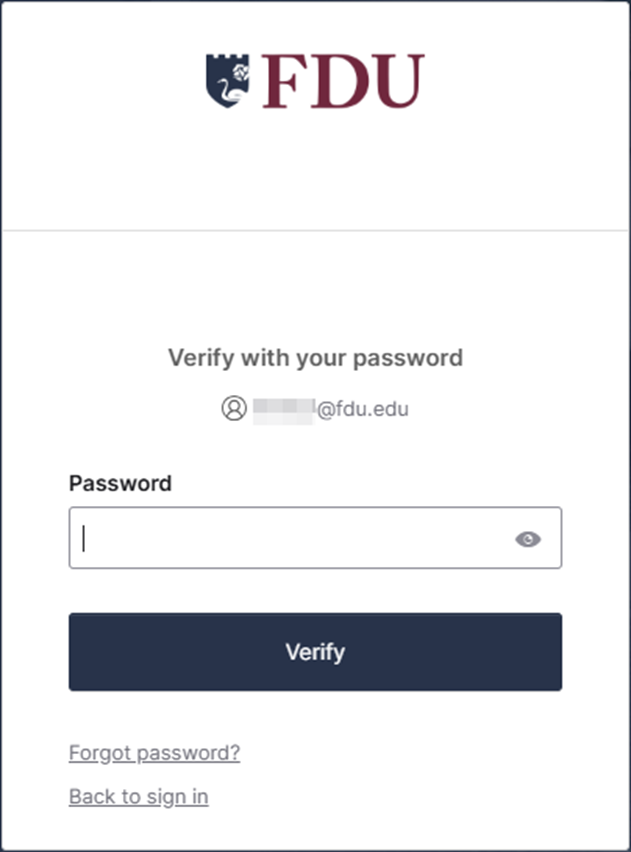
Entering your password for any desktop productivity application, such as Word, PowerPoint, or Excel resets the 30-day period for all other productivity applications. However, Microsoft OneDrive and Microsoft 365 mobile device applications require a separate login once every 30 days.
This change helps protect university data and ensures the environment aligns with current security standards. It does not affect the existing NetID password expiration policy.
Last Modified:
March 10, 2026

 Copy Link
Copy Link


