


Using the SAMI Support Public Form
- Posted:
- December 3, 2025
The new SAMI Service Desk, which will be fully operational as of December 4th, will be structured to prioritize requests submitted electronically. This includes tickets entered via our SAMI Support Portal and emails sent to samisupport@fdu.edu.
In addition to these options, there is an online request form, called the Public Form, which is intended to be used when the SAMI Support Portal is unavailable due to any of the following reasons:
- Lack of a valid University-issued NetID
- Inability to authenticate through DUO
- No DUO account
- Vendors without a University-issued NetID
- Newly admitted students
- Newly hired employees and adjuncts
- Locked FDU account
- NetID password resets (after attempting to go through identity.fdu.edu)
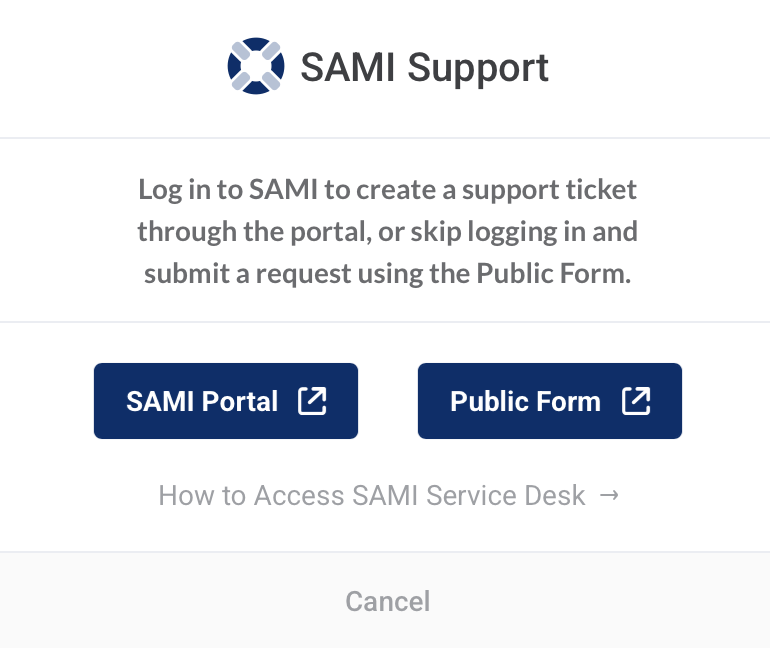
You can access the form by clicking the blue support icon at the top of of this website and then selecting “Public Form”

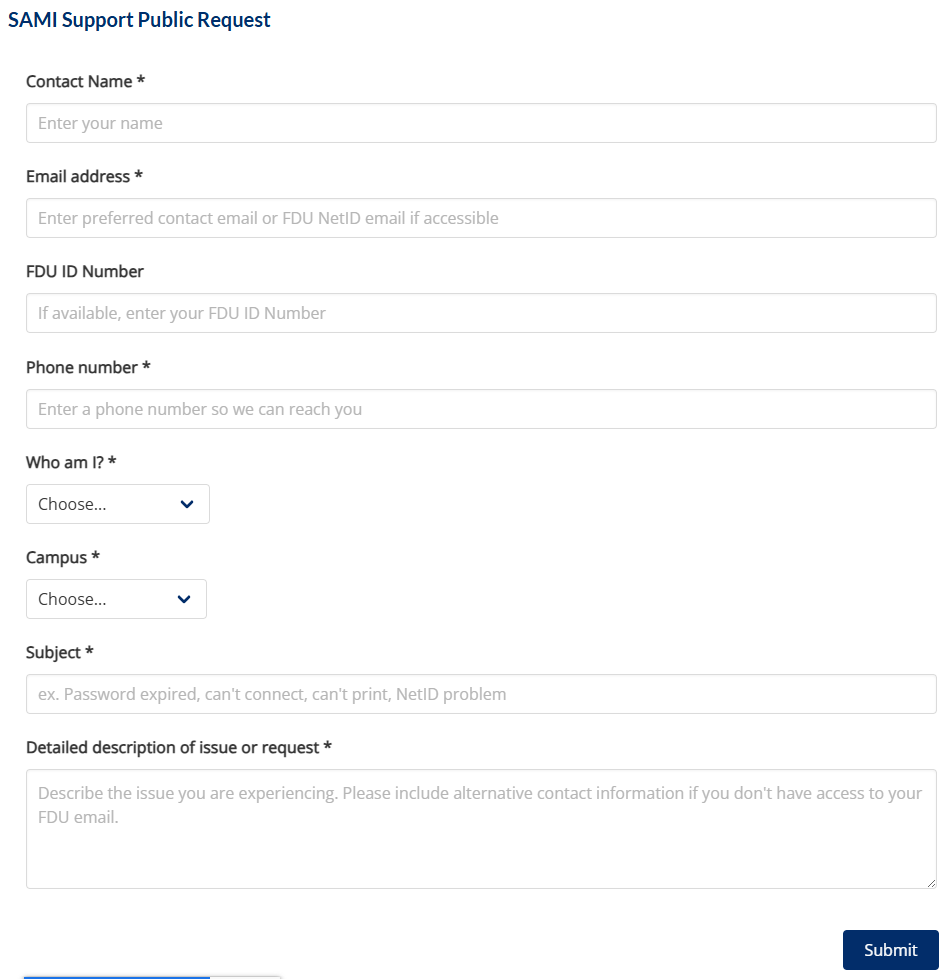
Once you reach the form, complete the requested fields and click “Submit”
While SAMISupport.fdu.edu remains the best option for most use cases, the Public Form is a quick, easy, and invaluable resource when needed.
Phone support via (973)-443-8822 will still be available as a legacy option. Calls will be answered by a virtual agent, who will attempt to assist you before transferring you to the Service Desk.
This update highlights the electronic-first approach of the new SAMI Service Desk.

 Copy Link


